
The customer portal
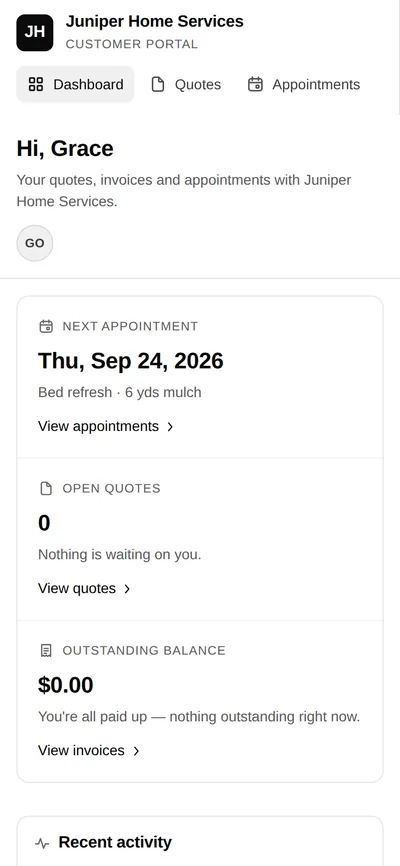
Give customers their own view of the agreement, upcoming work and invoices. Keep their next step clear while the office and crew use the same connected records.
Private pilot · Invitation required
How it works
From a private link to a clear next step
Share the customer’s private link
Give the intended customer access to their quote or portal. They can open the browser view without installing the crew app.
Let them review the next action
The customer can review a proposal, respond to it and check their upcoming appointments and invoices.
Keep the office and crew informed
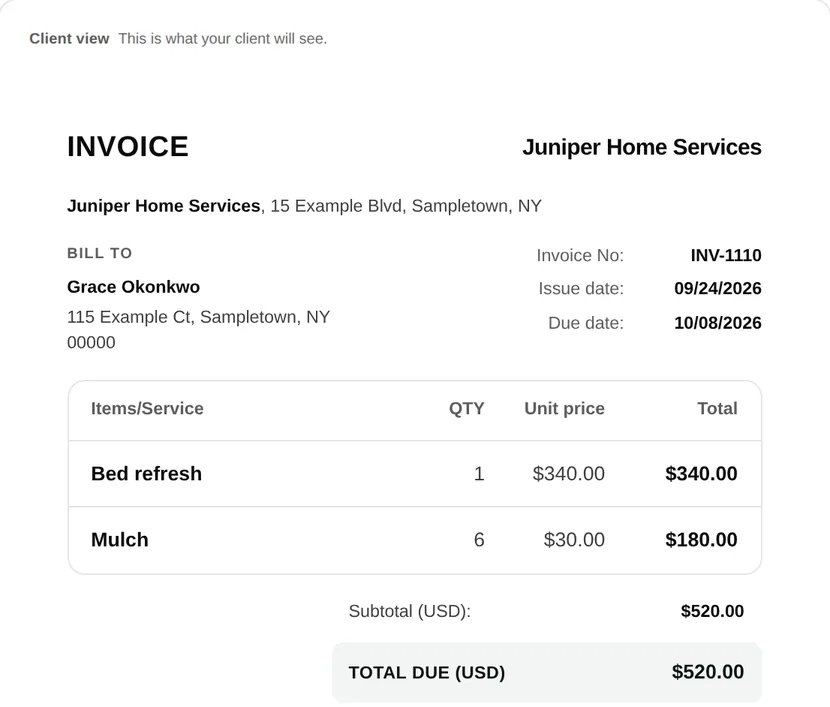
The customer-facing records connect to the job. The office handles the plan and billing, while the crew uses assigned visit instructions in Field.
Customer & team views
A customer decision with a useful record.
The private quote view shows the proposed scope and price. The customer can approve, request changes or decline; the office reviews the response before arranging work.
Keep the customer-facing agreement separate from internal notes. The crew uses its assigned visit instructions, while the customer checks their own quotes, appointments and invoices.
Explore the quote decision →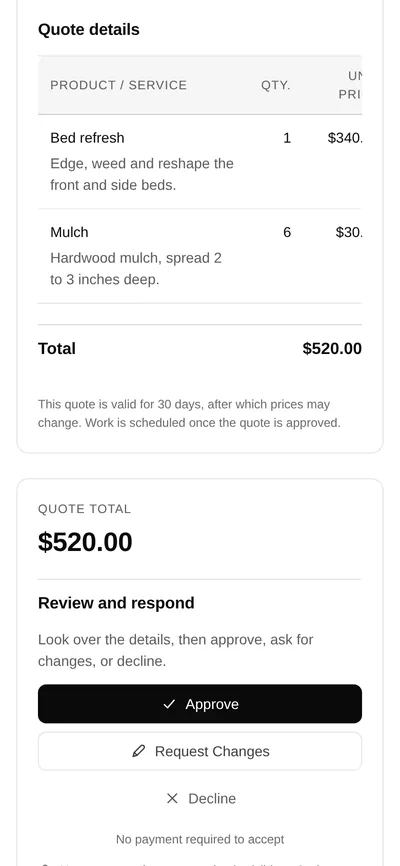
A private customer view
- Customer
- Sees their quotes, appointments and invoices, with a clear next action.
- Office
- Maintains the agreement, scheduling and billing records behind that customer view.
- Crew
- Uses its role and assigned visits in Field. Internal notes and crew-only context are not the customer’s portal view.
Common questions
Does the portal use the same job information?
The portal is the customer view of narra’s connected records. It shows customer-facing quotes, appointments and invoices; internal notes and crew-only information stay in their own role views.
Does the customer need to install an app?
No separate customer app installation is needed to open a private portal or quote link in the browser.
Can customers review and approve quotes?
Yes. The quote view presents the proposed scope and price with customer decision controls. A changed agreement should be reviewed again before proceeding.
Does the portal provide unrestricted online booking?
This page does not promise an open self-booking system. Confirm the scheduling and confirmation workflow available to your workspace during the private pilot.