
Crew scheduling and visit records
Schedule the visit, assign the people and put the job details on their phones. Keep the record of the work with the job.
Private pilot · Invitation required
How it works
From the plan to the visit record
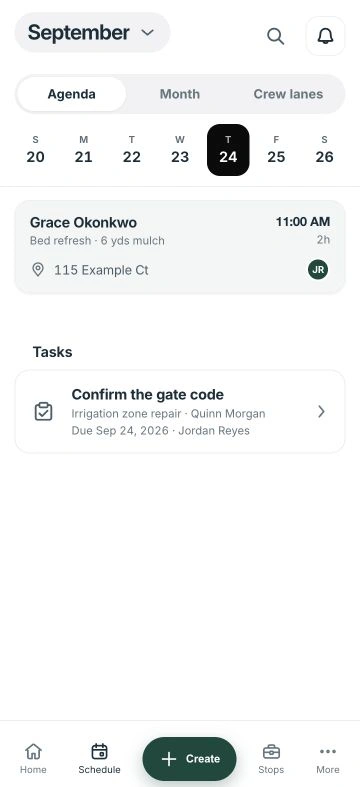
Plan the visit
Choose the job, property and service window. For recurring work, confirm visit frequency separately from the billing agreement.
Assign the people and instructions
Check crew availability, travel and access. Put the current scope and tasks with the assigned visit before dispatch.
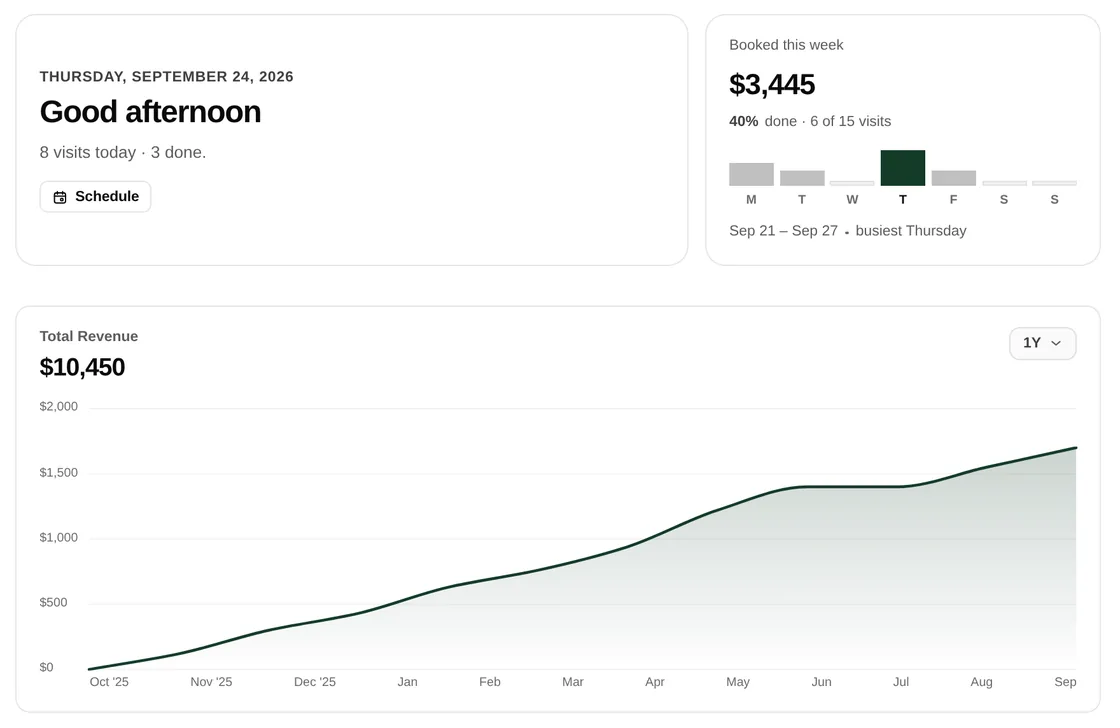
Review progress from the field
Crew members record visit progress, notes and photos. The office reviews unfinished work and exceptions before changing the next appointment or billing.
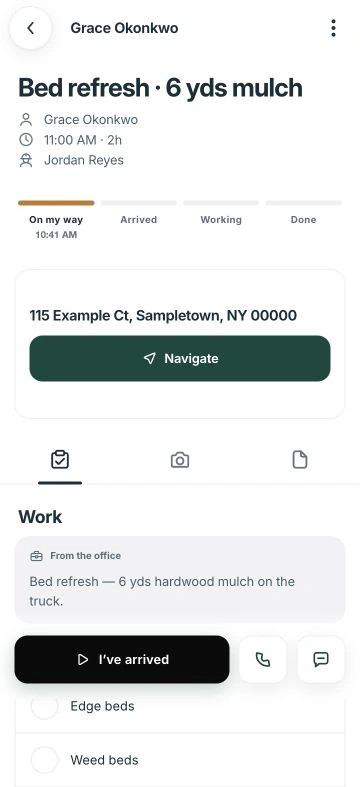
Give the crew the details at the stop.
Field puts the visit’s address, instructions and tasks in one place. Crew members can record notes, photos and progress against the work they are assigned.
- Read office instructions before starting.
- Record blocked work or changed conditions.
- Leave useful context for the office to review.
Office planning. Field execution.
- Office
- Checks capacity, access and travel, then confirms visits and assigns people.
- Crew
- Reads the current instructions and reports completed tasks, blocked work and changed conditions.
- Customer
- Receives the confirmed appointment and provides the access agreed for the visit.
Common questions
Can narra handle recurring visits?
Yes. A job can have recurring visits as well as one-off work. Confirm the frequency, scope and billing agreement separately.
What does the crew see on the phone?
Field shows assigned work and the details needed for the visit, including address, instructions and tasks. The view is controlled by role and assignment.
Does a completed visit mean the invoice is paid?
No. Visit progress, invoicing and payment are separate records. The office should review completed work and the current balance before closing out billing.
Can I try this with my crew?
Join the waitlist to discuss your schedule, team roles and device requirements.