
Know the customer. Keep the work connected.
Customer details, property history, quotes and invoices in one place. Desktop for the office, Field for the crew and a private portal for the customer.
Private pilot · Invitation required
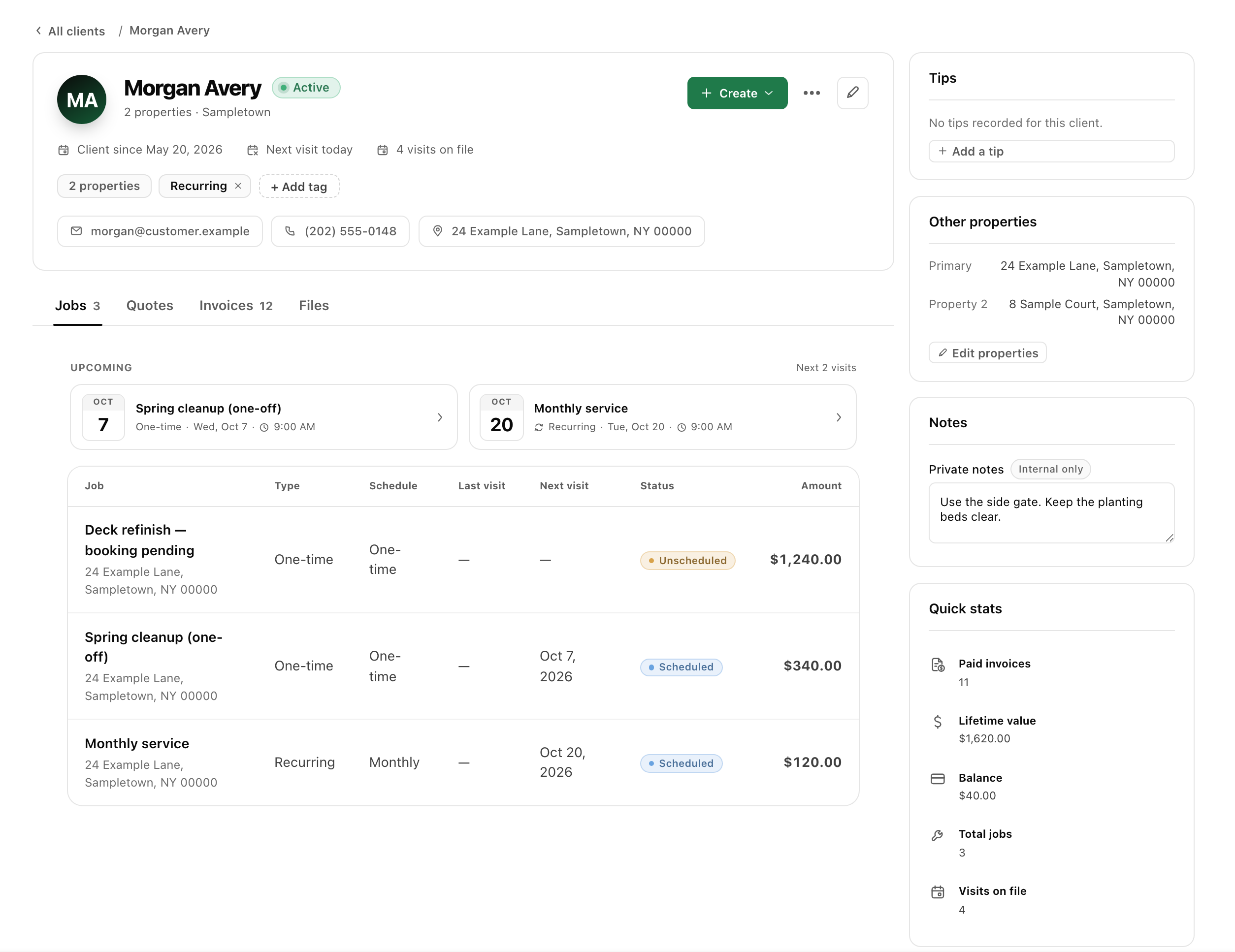
Use the history to plan the next visit.
When a customer calls, start with their record. See the properties you service and the quotes, jobs and invoices connected to them.
- Keep separate properties under the same customer.
- Find previous work before preparing the next quote.
- Give the office and crew the context for the right address.
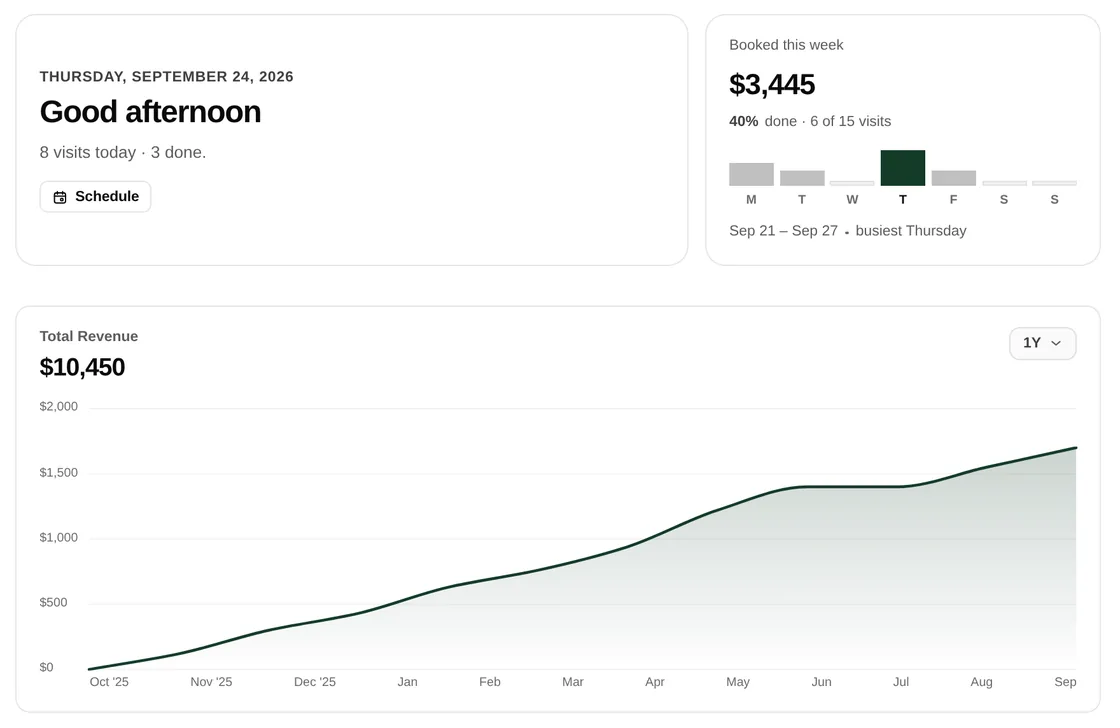
The agreement stays with the work.
Prepare an itemized quote, then let the customer review and approve through a private link. Convert accepted work into a job with the agreed details attached.
The office plans the visits. Field gives the crew the address, instructions and tasks. The customer portal gives the customer their own view.
See quotes and approvals →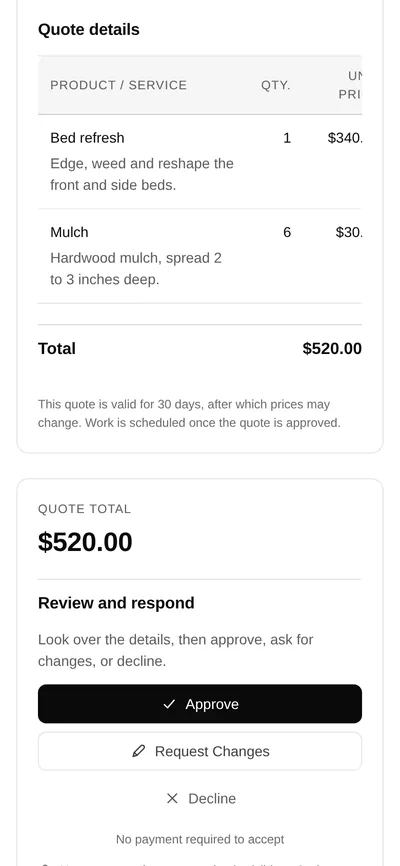
Know what happened before you bill.
Review the visit’s notes, photos and completed work before preparing an invoice. Keep the document and its payment history connected to the customer.
A completed visit, a sent invoice and a paid balance are separate states. A useful customer record helps you answer each question without digging through messages.
Explore invoicing →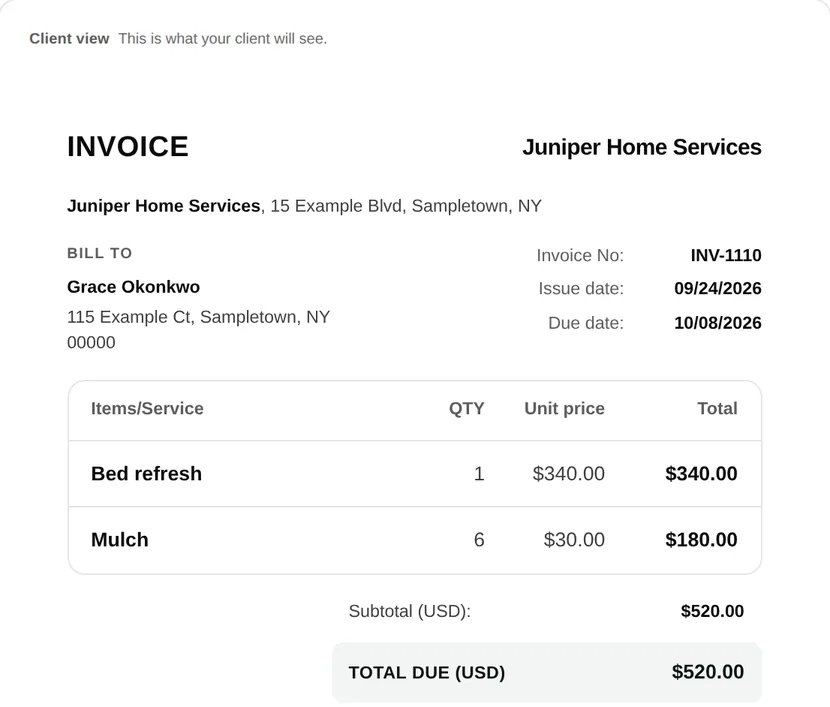
A few useful answers.
What does CRM mean for a home-service business?
A customer relationship management system keeps contact details and customer history together. In narra, that context connects to properties, quotes, jobs, visits and invoices.
Do the office and crew use the same records?
Yes. Desktop is the office view, Field is the crew view and the portal is the customer view. Access depends on the person’s role; a customer does not see internal crew records.
Can I use narra for multiple trades?
narra is built around home-service jobs and visits. Review the industry pages for your trade and discuss specialized requirements during the pilot. It is not a substitute for technical design or trade-specific calculations.
Can my business sign up now?
narra is in a private pilot and requires an invitation. Join the waitlist to discuss your workflow; public subscription prices are not published.