
Window cleaning software built around a clear scope.
Make the panes, areas and add-ons the customer bought clear before the crew arrives. narra connects the quote, property context, visit record and invoice across the office, Field and customer portal.
Private pilot
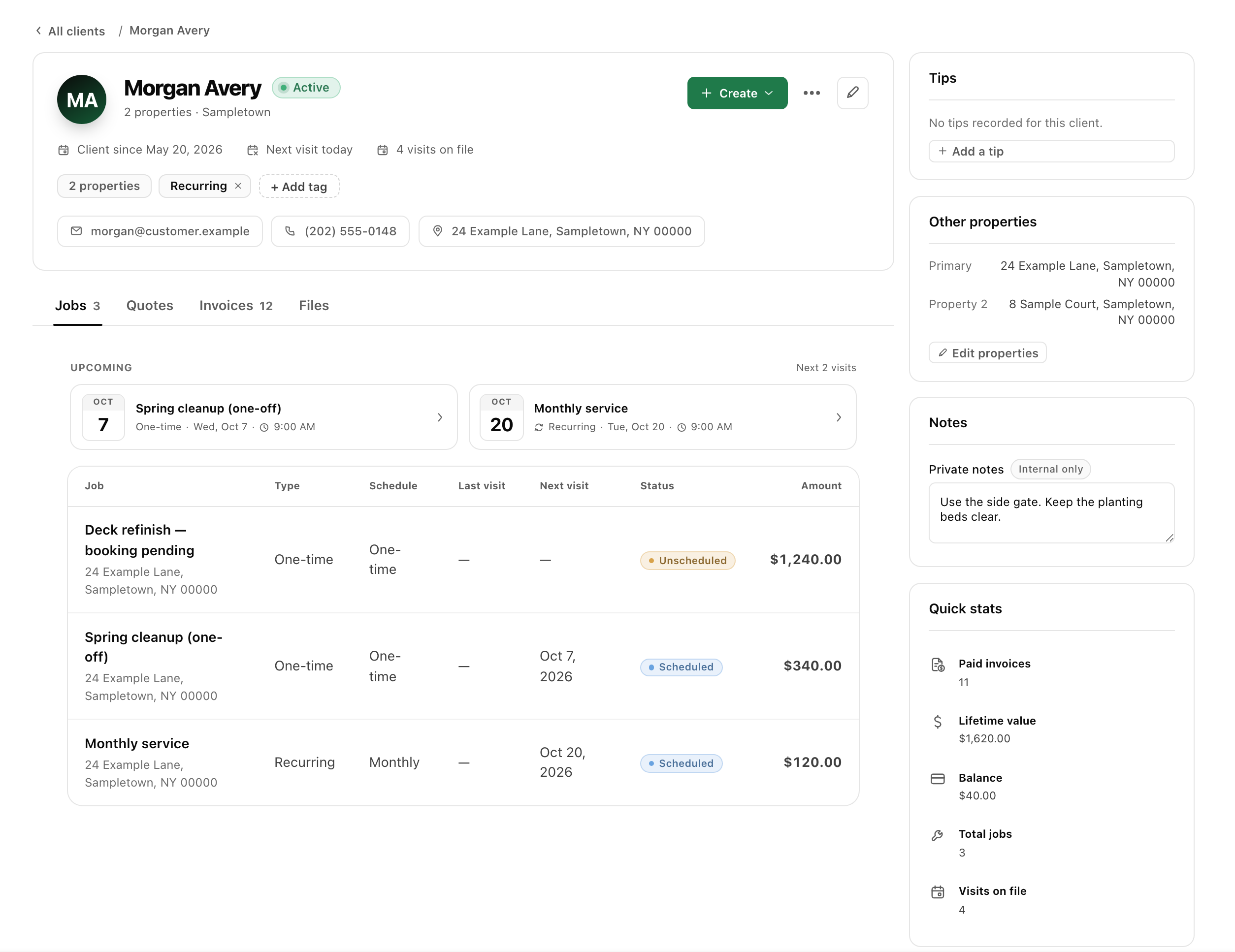
Give the crew the same scope the customer approved.
“Window cleaning” can leave several decisions unanswered. Inside or outside, screens, accessible areas and customer preparation all affect the handoff. Describe the work in ordinary language and keep unconfirmed conditions visible instead of promising a price or visit based on an unchecked assumption.
- 01
Quote the areas and exclusions
Identify the property, surfaces and sides included. Describe screens or other add-ons separately and state any areas outside the proposal. Use relevant photos when they clarify the scope. If an important condition needs an on-site review, make that next step clear before presenting the proposal as final.
- 02
Book the visit with access context
Schedule the job and assign the crew. Keep the service address and agreed access with the work record. Tell the customer what preparation your service requires and distinguish a specific appointment from an anytime visit. The calendar should reflect the arrangement the customer actually accepted.
- 03
Record completed and unfinished areas
Use a checklist to identify the purchased tasks and short notes for exceptions. If an area cannot be serviced or the customer requests something extra, record it for the office to review. Relevant photos can clarify the outcome; they should not replace a clear description of what remains undone.
- 04
Bill the reviewed scope
Check the accepted work, the visit outcome and any separately approved change before creating the invoice. Review existing linked bills to avoid charging the same scope twice. Explain a partial completion or changed price through your normal correction process rather than sending an unexplained total.
A useful record for one-time and repeat window work.
Recurring residential visits
Keep a repeating schedule and current property notes. Review whether the customer’s agreed service has changed before reusing the last quote. A previous visit can inform the plan without silently approving new work.
One-time or expanded scope
Describe a larger clean and add-ons in their own proposal. Confirm uncertain conditions before setting the final scope. This page supplies a workflow, not a universal per-window rate or guidance on access equipment.
Weather-related changes
Record the affected visit and communicate a revised date or window. Make clear whether you moved one occurrence or changed the recurring series, so the customer and crew do not follow different schedules.
Frequently asked questions
Can I list screens and other add-ons separately?
Yes. Quotes support line items and descriptions. Use them to distinguish purchased services and exclusions, then obtain approval for the version you intend to deliver. A package name alone may not explain the work.
Can the crew see property-specific visit instructions?
The office can put tasks and notes on the assigned visit. Check the handoff before dispatching so the crew has the relevant access, scope and customer preparation details rather than an unrelated generic checklist.
Does narra set window-cleaning prices or assess safe access?
No such claim is made here. You set the scope and prices and make the professional decisions required to deliver the work. narra keeps the agreement and visit record connected; it does not replace a site assessment.
What if rain changes only the next recurring visit?
Keep the moved occurrence distinct from the rest of the series and confirm the new arrangement with the customer. Review the terms and actual outcome before billing for a skipped or partially completed visit.