
Carpet cleaning software for the rooms, the visit and the next step.
Keep the areas the customer booked visible from the quote to the visit. narra connects customer and property records, accepted scope, crew tasks and invoices for carpet-cleaning businesses.
Private pilot
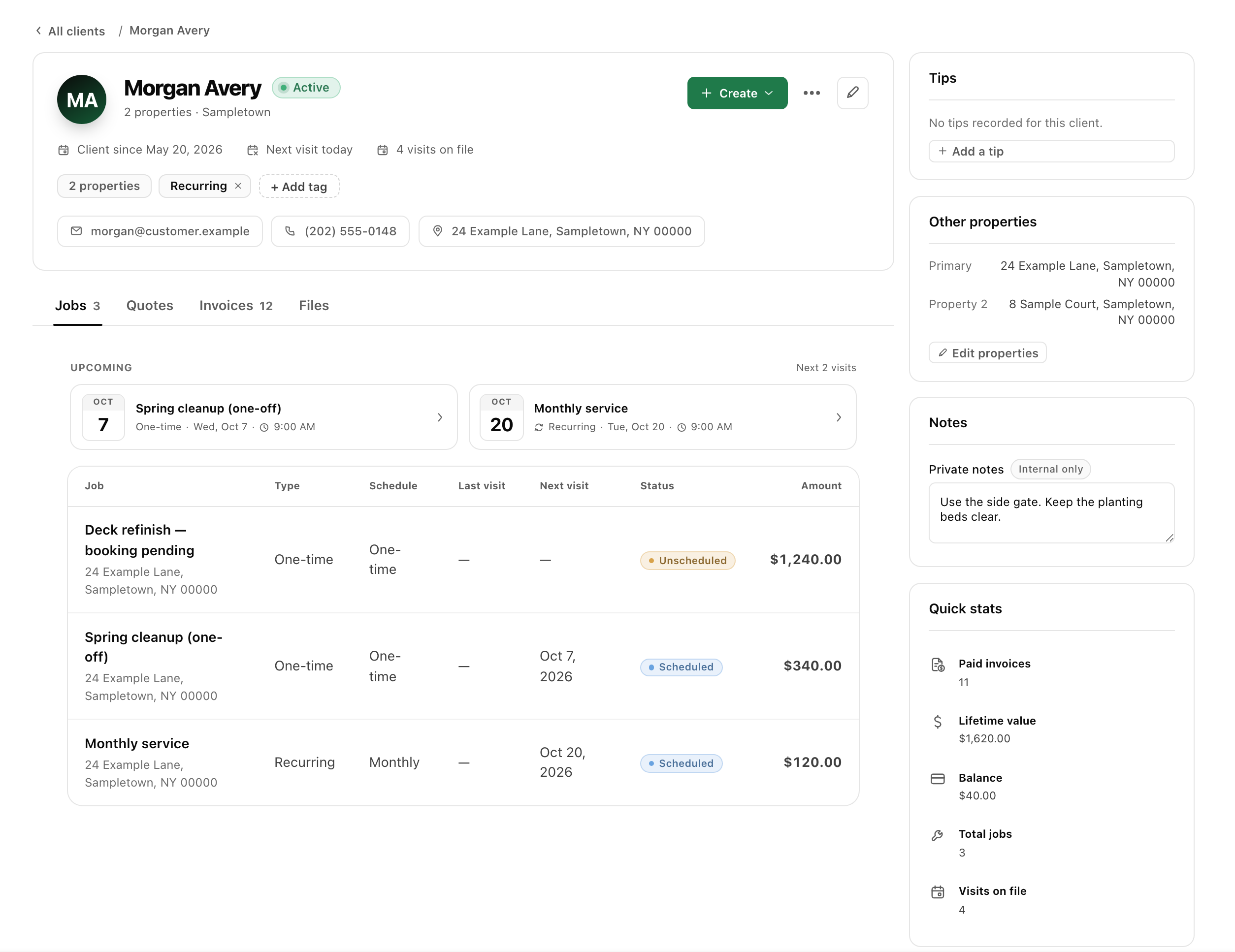
A clear room list makes the appointment easier to follow.
A customer’s room count may not explain stairs, rugs, furniture arrangements or an additional treatment they are considering. Describe what the proposal includes and keep optional services separate. Give the crew the relevant preparation and property context before the visit, then record the outcome without promising every existing condition will be resolved.
- 01
Confirm the included areas and services
Record the customer and service address, then describe the rooms or areas being proposed. List additional services separately when they are part of the agreement. Identify assumptions that need an on-site check before the price is final. Keep an initial inquiry distinct from a confirmed scope the customer has approved.
- 02
Communicate the appointment preparation
Book the agreed visit and record the relevant access and customer preparation arrangements. Confirm who will be present or how entry will work. The appointment-reminder guide provides a structure for communicating those details clearly; a reminder should reinforce an agreed plan rather than introduce new expectations after the customer has booked.
- 03
Give the crew a practical task list
Prepare visit tasks from the purchased services and add useful property notes. The worker should know what is included, what is excluded and what still needs a decision. Record any additional request for office review, and obtain agreement on the revised scope before treating an on-site suggestion as purchased work.
- 04
Record the outcome and any return action
Capture completed areas, relevant photos and notes about anything left unresolved. Explain the next action to the customer when follow-up is needed. Before invoicing, compare the agreed services with the visit outcome and prior billing. Keep a service concern distinct from an automatically approved new visit or additional customer charge.
Make the appointment and its outcome easier to understand.
The customer needs to prepare the property
Describe preparation arrangements in ordinary language before the visit. Put the same relevant details with the crew’s assigned work. Use the reminder guide to confirm timing and access without making a promise about attendance or creating a requirement the customer was never told about when booking.
Another room or service is requested
Keep the extra request separate from the accepted proposal. Explain the scope, timing and price, and obtain approval before proceeding. A room-count change may affect the plan, but the software should not decide the charge for you or hide the difference between an inquiry and agreed work.
The customer raises a concern after service
Keep the original scope, visit notes and relevant photos available when reviewing the concern. Record what was reported and the next step you agreed. The cleaning-complaints guide offers a response structure; it does not promise a particular treatment result or make every concern equivalent to unfinished purchased work.
Frequently asked questions
Can I list rooms, stairs and additional services in a quote?
Yes. Quote line items and descriptions can make the areas and selected services understandable. State important assumptions and exclusions before sending the proposal for approval. Keep an optional service separate until it is purchased, rather than letting a general package name imply everything mentioned during the inquiry is included.
Can the team keep preparation details with the appointment?
Use the job and visit notes for relevant access and customer preparation instructions. Prepare the crew handoff from the accepted scope and agreed appointment. The Field app keeps assigned visit tasks and notes available to the worker, helping the office and the person on site follow the same plan.
Does narra include carpet-treatment diagnostics or specialist inspection reports?
This page describes customer and job management, not treatment diagnostics, specialist inspection reports or guarantees about stain removal. Your business determines the service and its expected outcome. Evaluate any specialist equipment, reporting or treatment tools separately while reviewing the shared scheduling and invoicing workflow.
Can I arrange repeat cleaning without losing the customer history?
Customer records connect linked quotes, jobs and invoices, and agreed repeat work can be scheduled. Review the current scope and property notes before reusing a previous proposal. This page does not claim an automated repeat-sales campaign or an unrestricted online booking feature; discuss those requirements during the private-pilot review.