
Painting software that keeps the agreed finish clear.
Keep the rooms, surfaces and preparation the customer approved connected to the crew’s work. narra helps painting contractors organize proposals, job instructions, visit outcomes and invoices across desktop, Field and the customer portal.
Private pilot
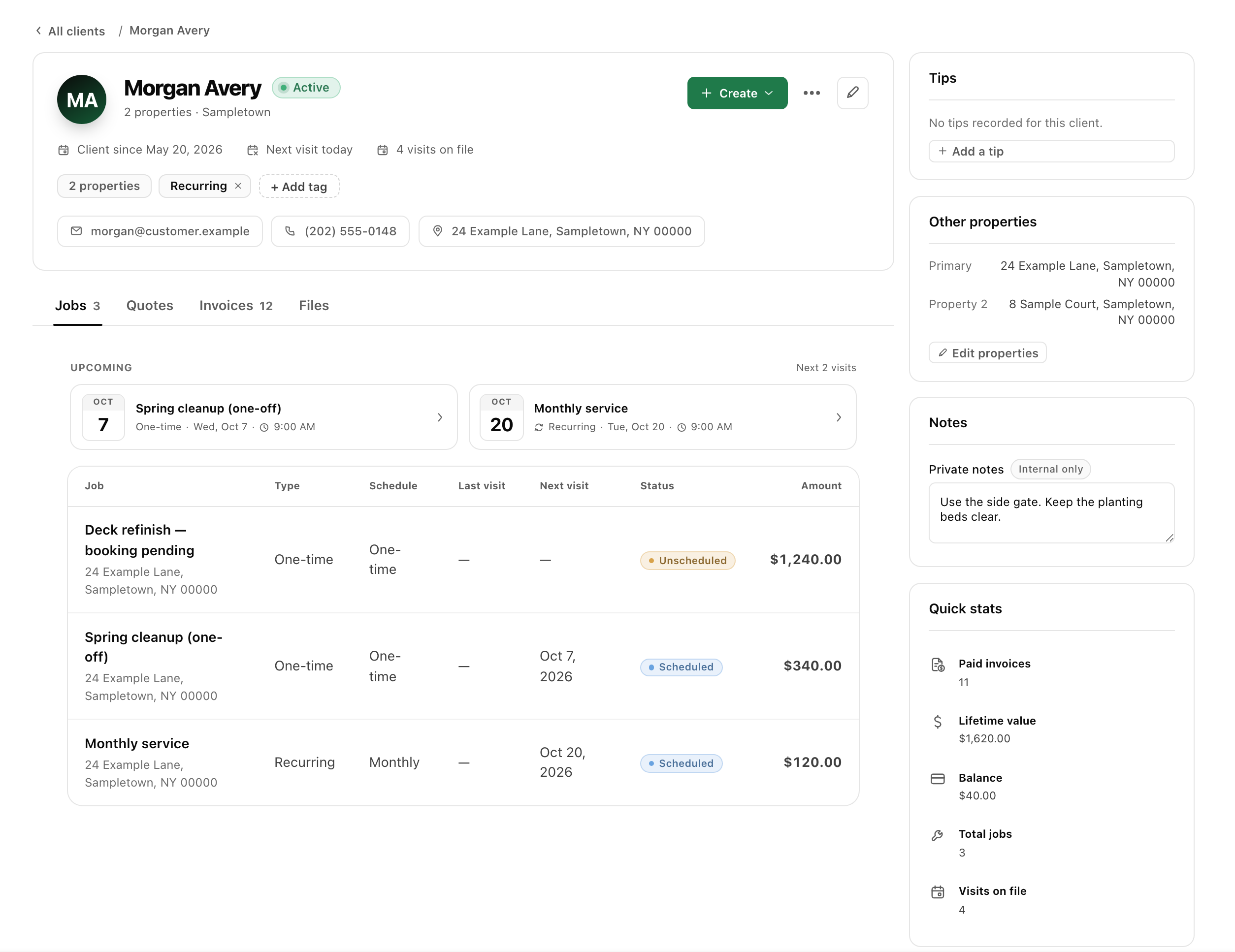
Define the surfaces and preparation before the first visit.
A price for painting a room can leave preparation, trim, ceilings and customer responsibilities unclear. Put the agreed scope in the proposal and carry it into the job handoff. Keep selections or conditions still awaiting a decision visible so the crew knows what has been confirmed and the office can explain what happens next.
- 01
Describe the areas in the quote
List the rooms or surfaces included and explain the preparation and finish you are proposing. Keep optional areas and excluded tasks separate. Confirm important selections and site conditions before treating an initial price as final. The customer should be able to compare the proposal with the work they expect to receive.
- 02
Prepare the property handoff
Schedule the agreed work and give the crew the relevant access and preparation instructions. Record arrangements about moving items, protected areas or customer attendance when they affect the visit. Keep those customer agreements clear rather than relying on a generic job title or a detail mentioned during a single phone call.
- 03
Handle additions as customer decisions
If the customer adds a room or changes the requested work, record the request and explain the effect on scope, timing and price. Obtain approval for the proposal you intend to perform. A crew note should make the request visible to the office; it should not silently rewrite the original customer agreement.
- 04
Record completion and outstanding tasks
Use tasks, notes and relevant photos to describe the visit outcome. Keep agreed return work visible and distinguish it from a new purchase. Review the accepted scope and linked invoices before billing. If an area remains unfinished, explain its next step rather than sending a total that implies all proposed work is complete.
Keep painting changes understandable before they become disputes.
A customer compares several proposals
Make each area, preparation item and exclusion easy to understand. Customers can review the itemized proposal through a private quote link. The estimate-intake guide helps collect the information needed for the proposal; it does not supply a universal painting rate or make unverified conditions disappear from the estimate.
Another area is added mid-project
Keep the added work separate until its price and timing are agreed. A written description is more useful than an unexplained higher invoice after the project. Use the scope-change guide for a practical customer message and record the decision with the job so the office and crew follow the same plan.
A return visit handles agreed finish work
Describe the outstanding task and arrange the return clearly. Keep the appointment connected to the original agreement and review whether any separate work has been purchased. Relevant photos can explain the handoff, but should not replace a clear note about what is complete, what remains and who needs to take the next action.
Frequently asked questions
Can I create painting estimates with separate rooms or surfaces?
Yes. Quote line items and descriptions can explain the areas and services included. Put important preparation, selection and exclusion details in the proposal the customer reviews. Approval should apply to that defined scope, rather than to a broad project name that leaves the actual work uncertain.
Can the crew see the accepted scope and visit instructions?
Keep the job and visit tasks aligned with the approved proposal, and add the relevant property notes before the appointment. The Field app supports assigned visits, tasks, notes and photos. Review the handoff so the crew can distinguish confirmed work from a selection or request still awaiting a decision.
Does narra calculate paint quantities or generate technical specifications?
This page does not claim automated material takeoffs, coating specifications or professional surface assessment. narra organizes customer and job records. Your business supplies the scope, prices and technical decisions; check any specialized estimating or project tools separately when evaluating whether the shared workflow fits.
How do I deal with a changed scope or price?
Describe the revised work and obtain the customer’s agreement before treating it as approved. Keep the change connected to the job and review it before invoicing. The narra scope-change guide provides original wording and a review checklist, not a substitute for the terms your business has agreed with the customer.