
Invoices and payment records
Turn the agreed work into a clear invoice. Keep the invoice, recorded payments and customer history connected so the office can answer what is still due.
Private pilot · Invitation required
How it works
From agreed work to a reviewed balance
Check what should be billed
Review agreed scope, completed work, approved changes and previous invoices. Keep recurring visit frequency separate from the pricing agreement.
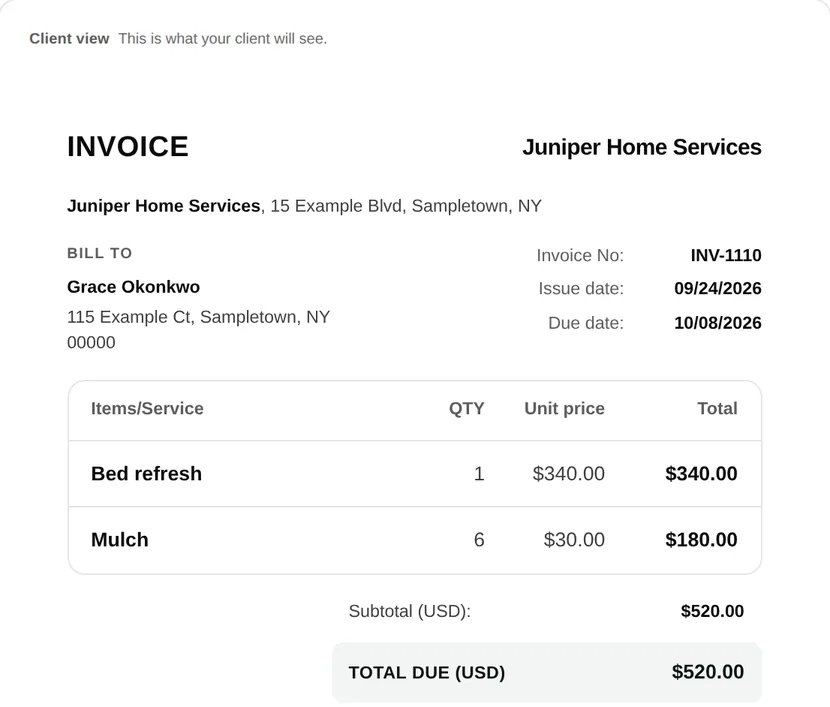
Prepare and send the invoice
Show each service and price. Verify customer details, payment terms and due date in the customer preview before sending.
Review payments and the remaining balance
Check the recorded payment and receipt against the invoice. Sent, completed and paid describe different events; none should stand in for another.
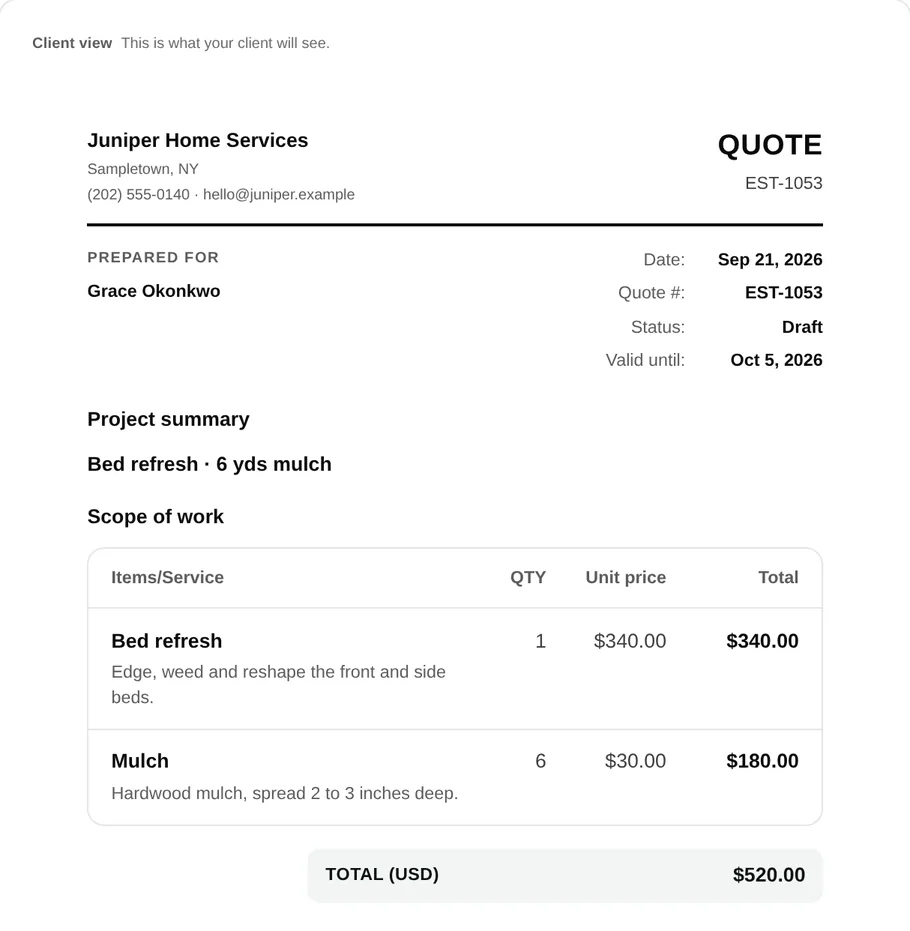
Give the customer a place to check.
The portal brings the customer’s quotes, appointments and invoices into their own view. The office keeps the payment record and current balance with the invoice.
Sending an invoice does not record a payment. Review outstanding balances and resolve questions before following up.
Use the payment follow-up templates →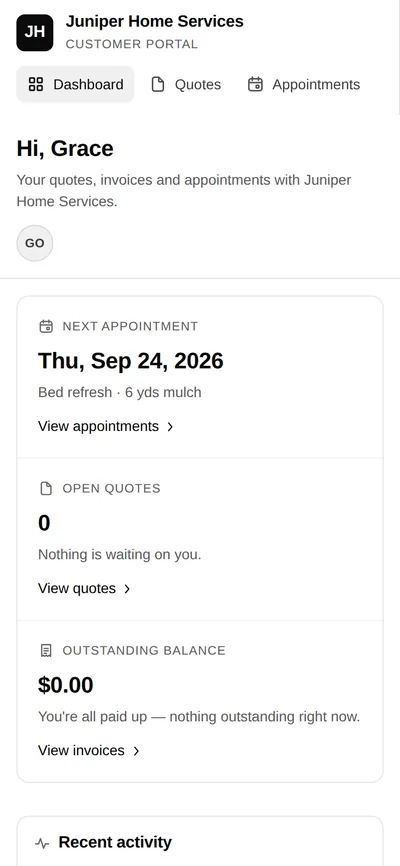
Keep billing decisions explicit
- Office
- Checks scope and prior billing, prepares the invoice and reviews payment records.
- Customer
- Reviews the invoice and available payment instructions in their private view.
- Payment availability
- The methods shown depend on the workspace’s setup. Do not assume every account has the same payment options.
Common questions
Can I create an invoice from job work?
narra connects invoicing to job and customer records. Review the billable scope, previous invoices and any changes before creating or sending a document.
Is an invoice marked paid when it is sent?
No. Sending a document and recording a payment are separate events. The balance should reflect the payment record, not the delivery status.
How should I bill recurring work?
Choose the calculation and invoicing schedule that match your agreement. Per-visit pricing and a fixed monthly price are different choices; review completed, cancelled and previously billed work.
Are online payments available in the pilot?
Payment access depends on the workspace’s setup and pilot configuration. Discuss the exact payment method, processor connection and fees before relying on it for your business.